

Works right inside LinkedIn
Post on LinkedIn every week without overthinking what to write
Got an idea? Say it in one sentence. No idea? ORCA suggests one. ORCA delivers a ready-made post for your profession and you review and publish, all without leaving LinkedIn.
Free to start, no card needed.
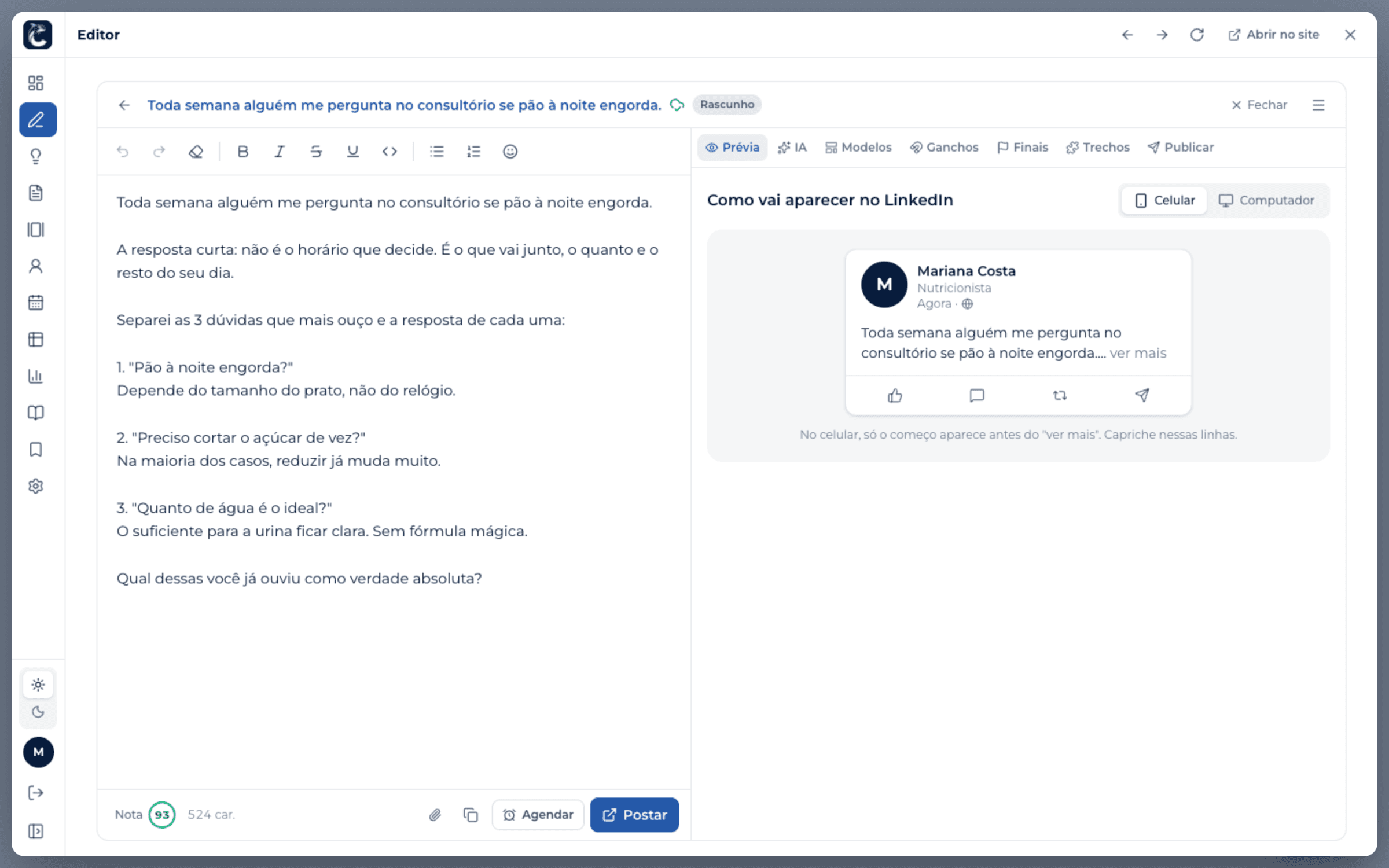
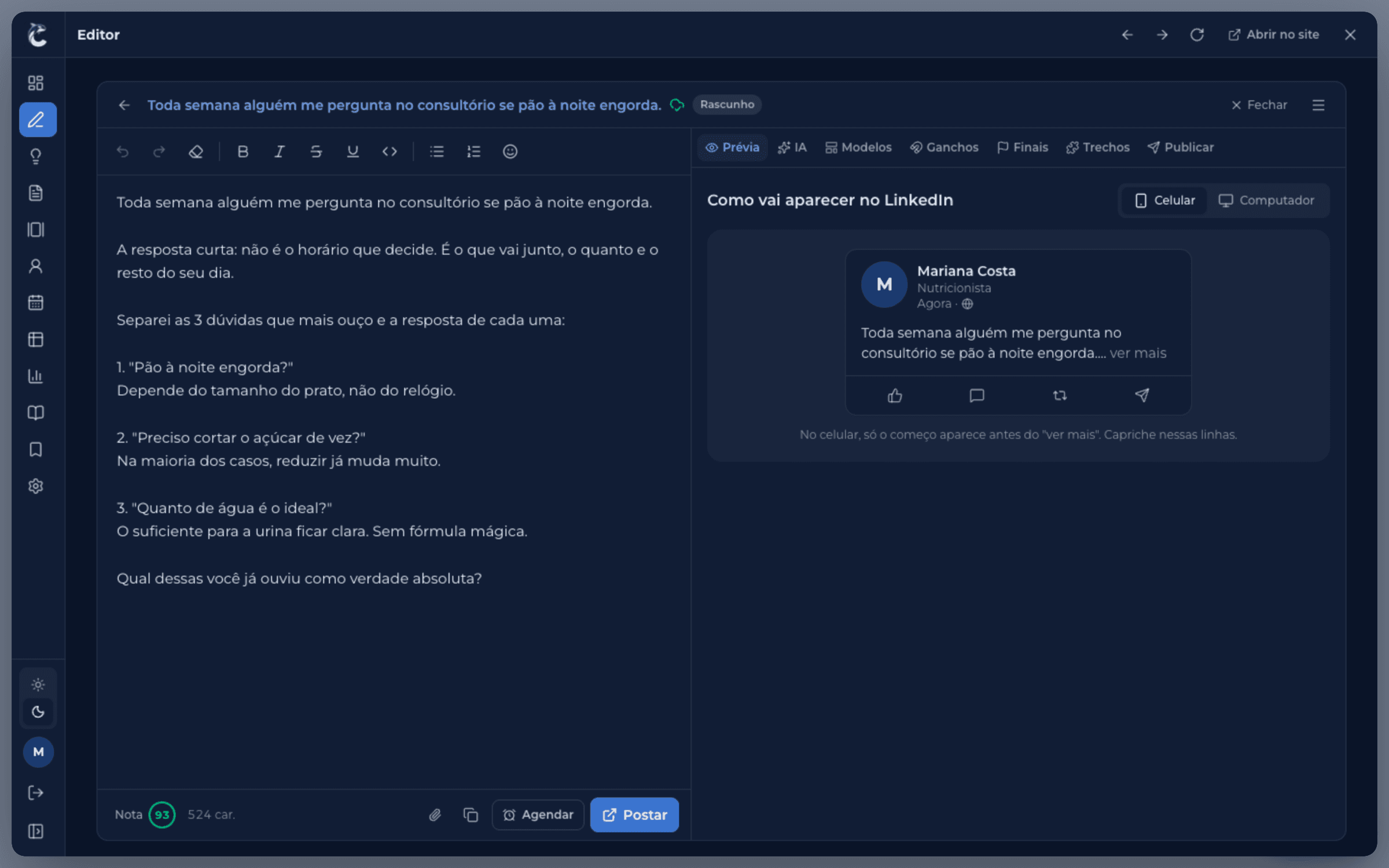
Use ORCA without leaving LinkedIn
No extra tab to keep open. With the Chrome extension, all of ORCA shows up inside LinkedIn, and the finished post goes straight into the post box.
- 1Install the extensionOne click in Chrome on your computer and it connects to your account.
- 2Click the ORCA logoIt sits in the corner of every LinkedIn page.
- 3Write, schedule and publishDashboard, AI, ideas, calendar and stats, all right there. The text drops into the post box on its own.
Already have an account? Install from the Chrome Web Store
On your phone, ORCA works on the website and you copy the text into the LinkedIn app.
From idea to published post, without leaving ORCA
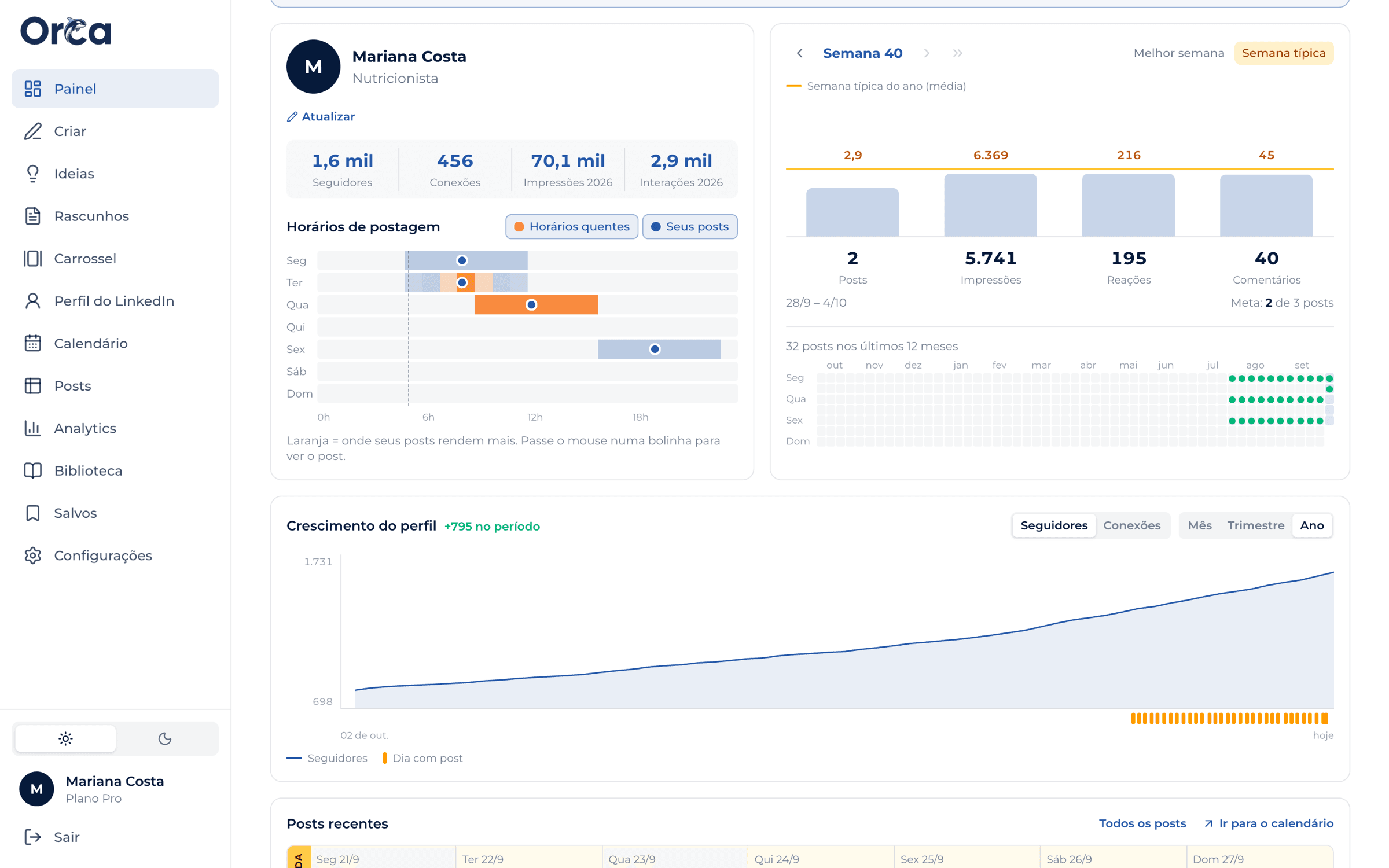
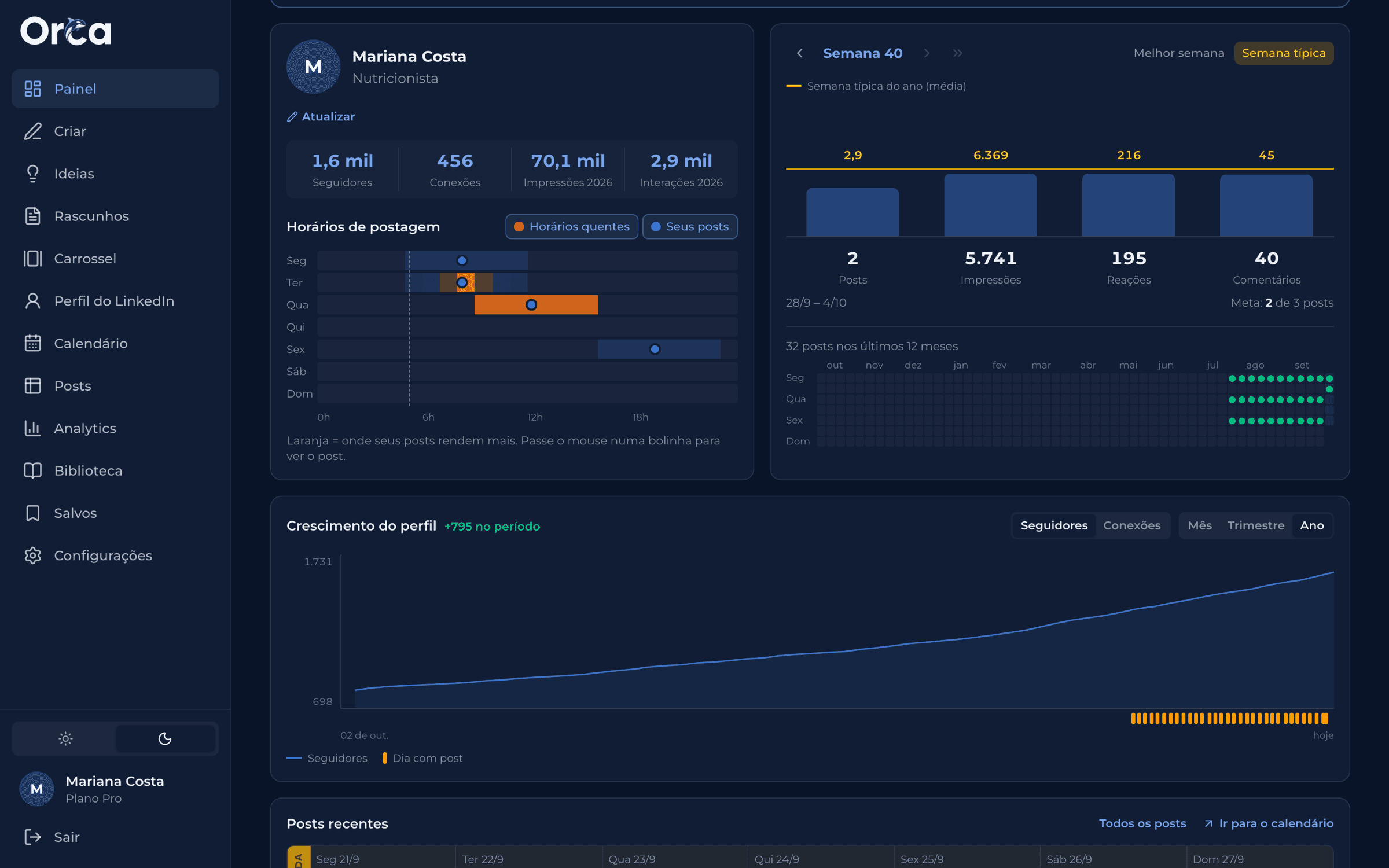
Your week in one place
Your weekly goal, what's left to review, what's about to go out and your consistency over the last few weeks. Open it and you know what to do.
Nothing goes out without your approval
ORCA writes, you decide. No post is published unless you've read and approved it.
Your data is yours
See, correct and delete your data whenever you want. We never ask for your LinkedIn password.
It doesn't make up facts about you
When something only you know is missing, the AI leaves a blank for you to fill in.
Idea or no idea, the post gets written
Choose how you want to start. Either way, the whole post comes out ready to publish.
I have an idea
Describe the topic in one sentence
The AI turns your idea into a finished post, in the tone you choose.
I'm out of ideas
ORCA suggests the topic
Suggestions made for your profession and your LinkedIn goal. Pick one and the post comes out ready.
From topic to results, ORCA takes care of it all
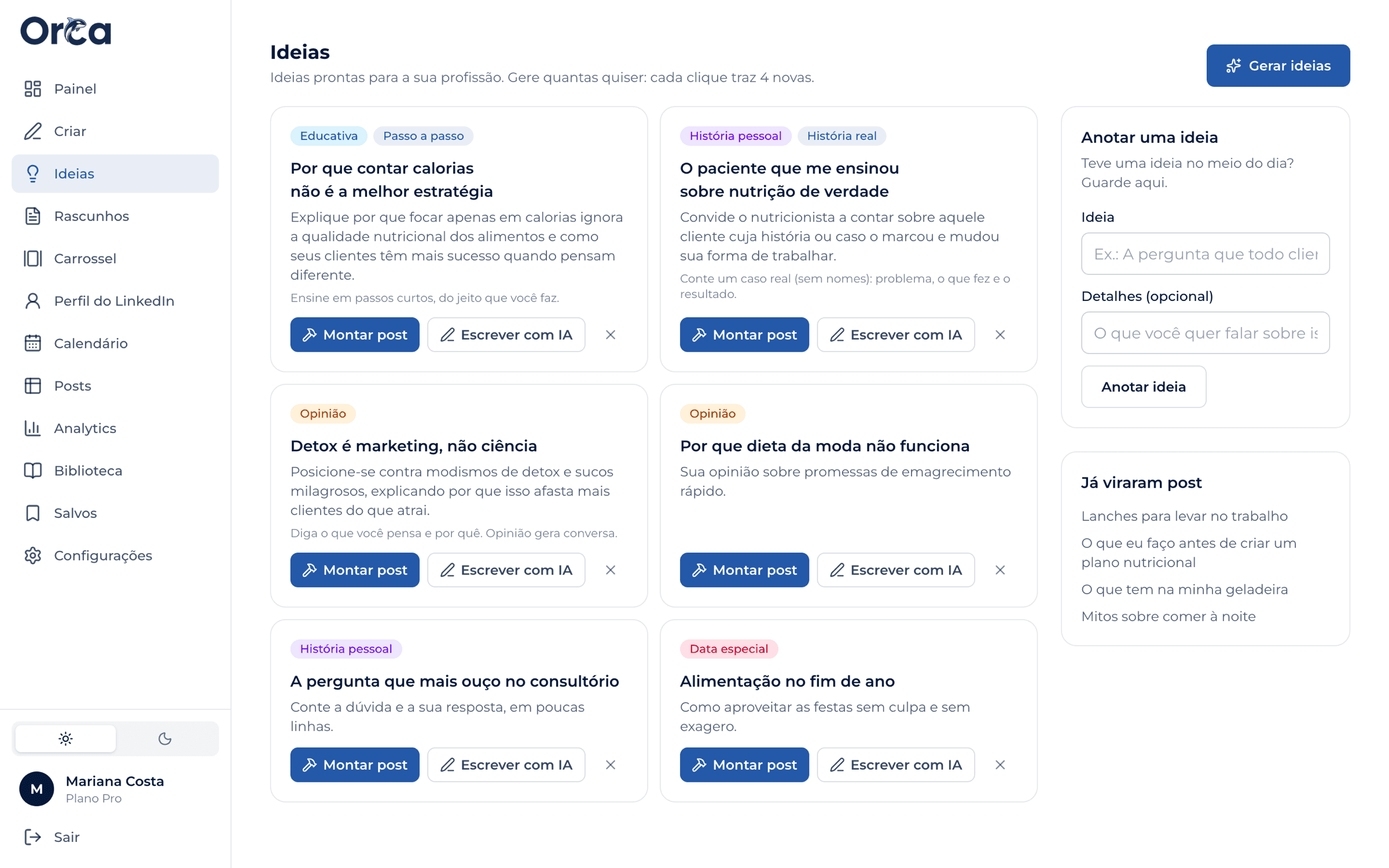
No more blank page
Topic ideas made for your profession, 32 ready-to-fill post templates and the posts you saved from other people on LinkedIn. Pick a starting point and go.
Write and format effortlessly
ORCA builds the post, you tweak it in one click (shorten it, change the tone, swap the opening) and see how it looks in the feed before publishing. Or get the whole week ready at once.


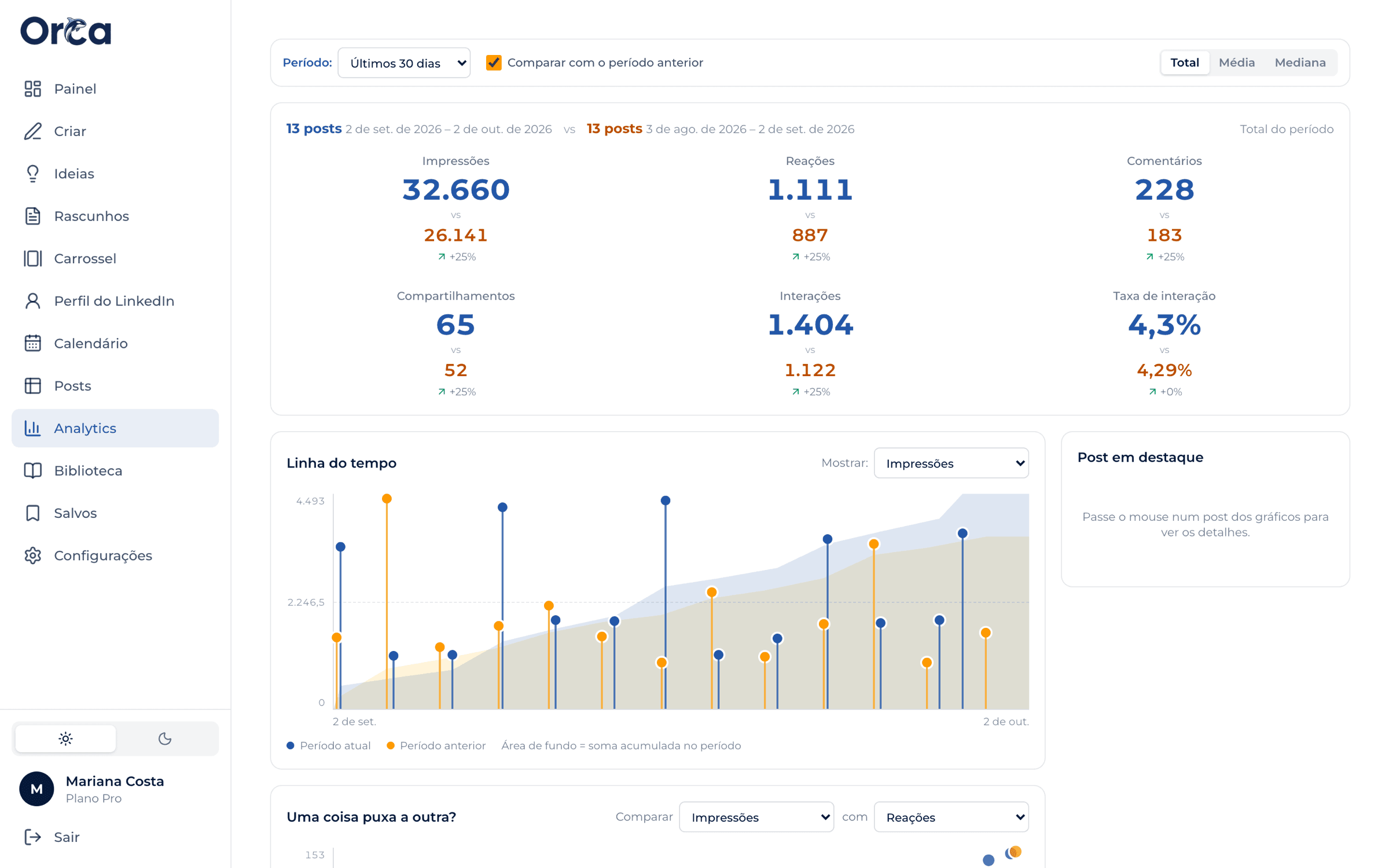
See what works and do more of it
Impressions, reactions and comments for every post, how they evolve over time, and the days and times you do best.
ORCA platform
Everything to write, organize and track your posts, on your computer or phone.
Create a free accountChrome extension
All of ORCA inside LinkedIn: write, use the AI and send the post straight to the post box.
Get started and installPosting every week has never been easier
A weekly goal, reminders and a ready-made week in one click. You just review.
Create a free accountEverything that comes with ORCA
Swipe to see more.
Dashboard
Your week, your goal and your consistency in one place.
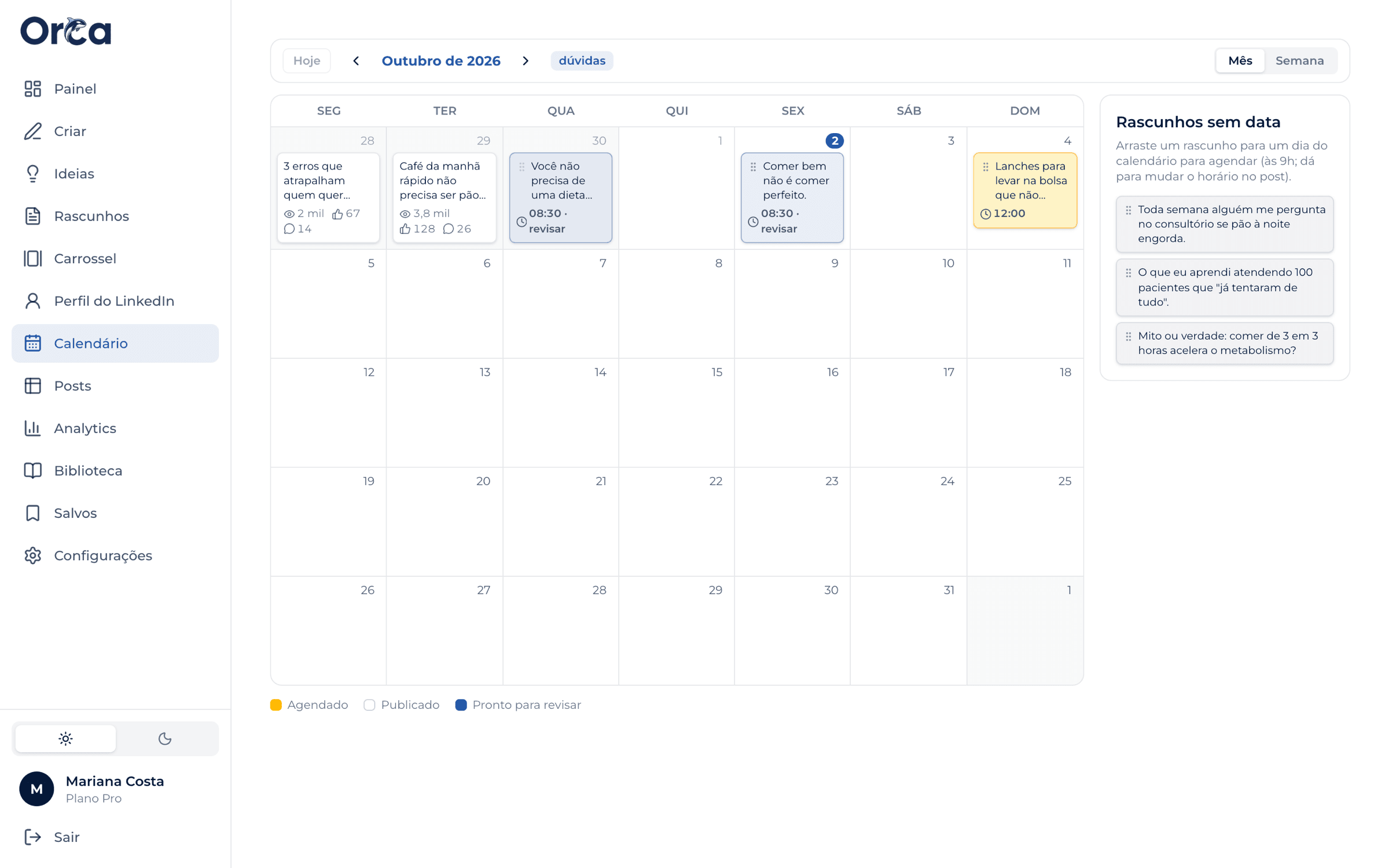
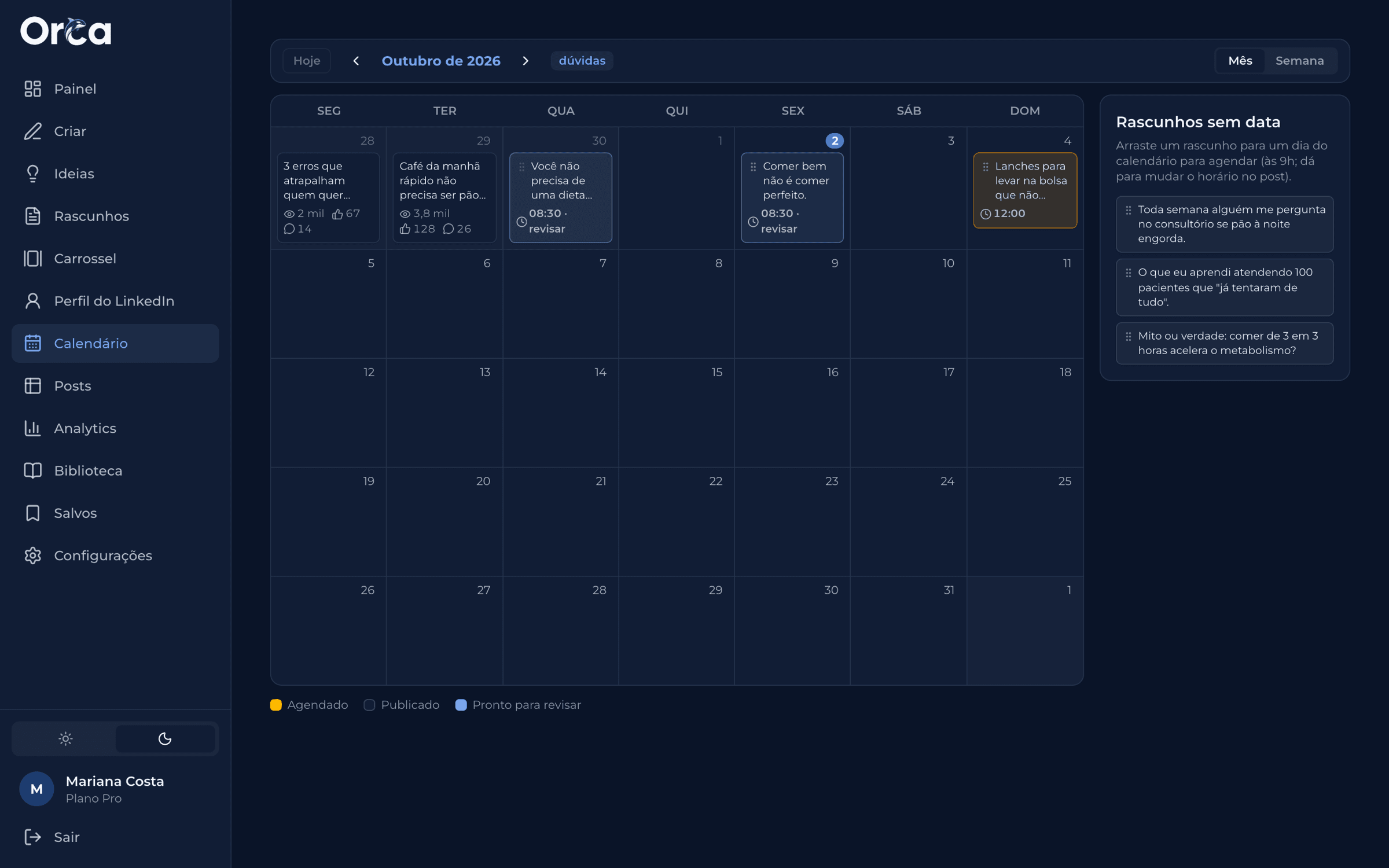
Calendar
Drag posts between days and get reminded right on time.
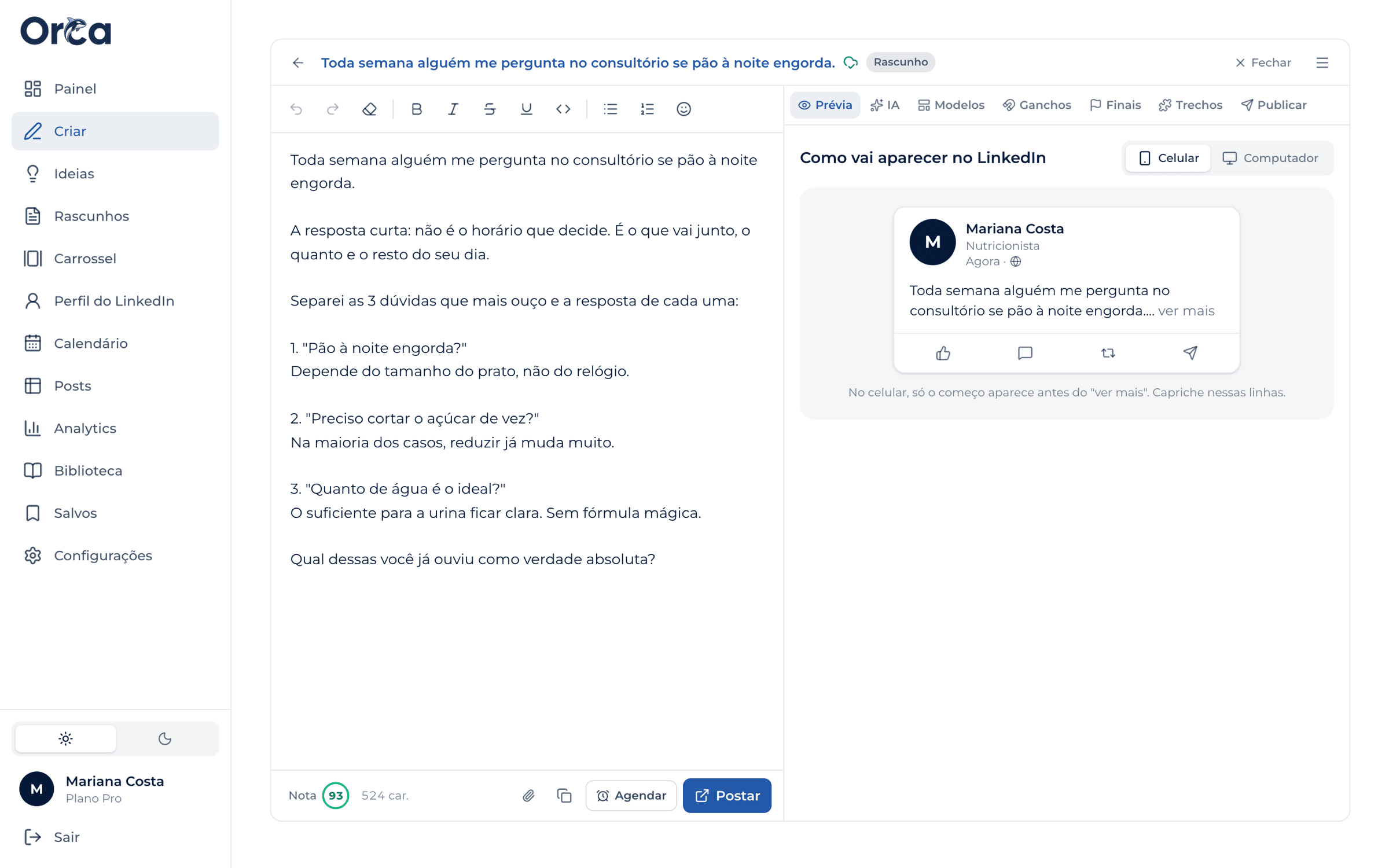
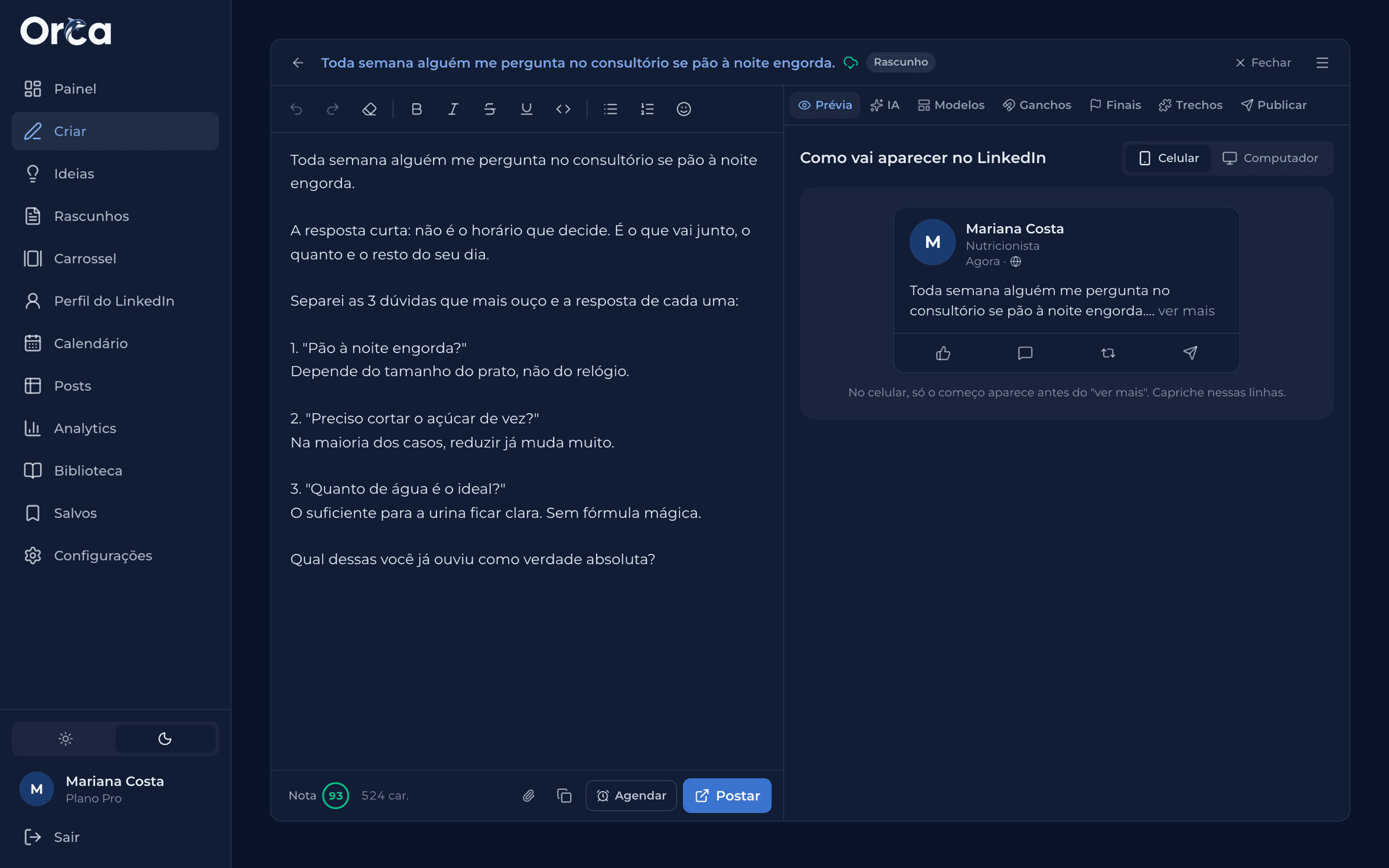
Editor with preview
Bold, lists, emojis and a readability score for your text.
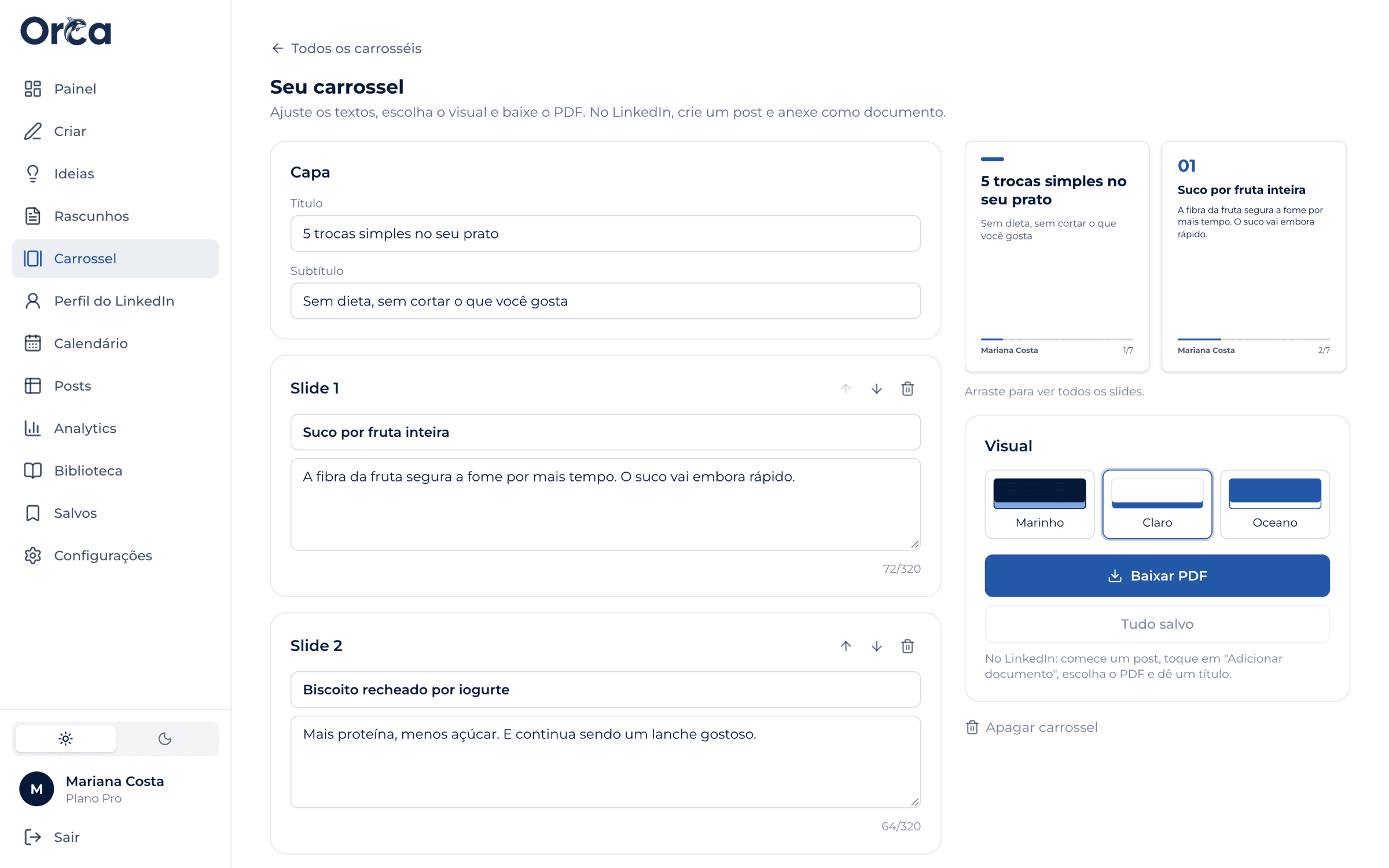
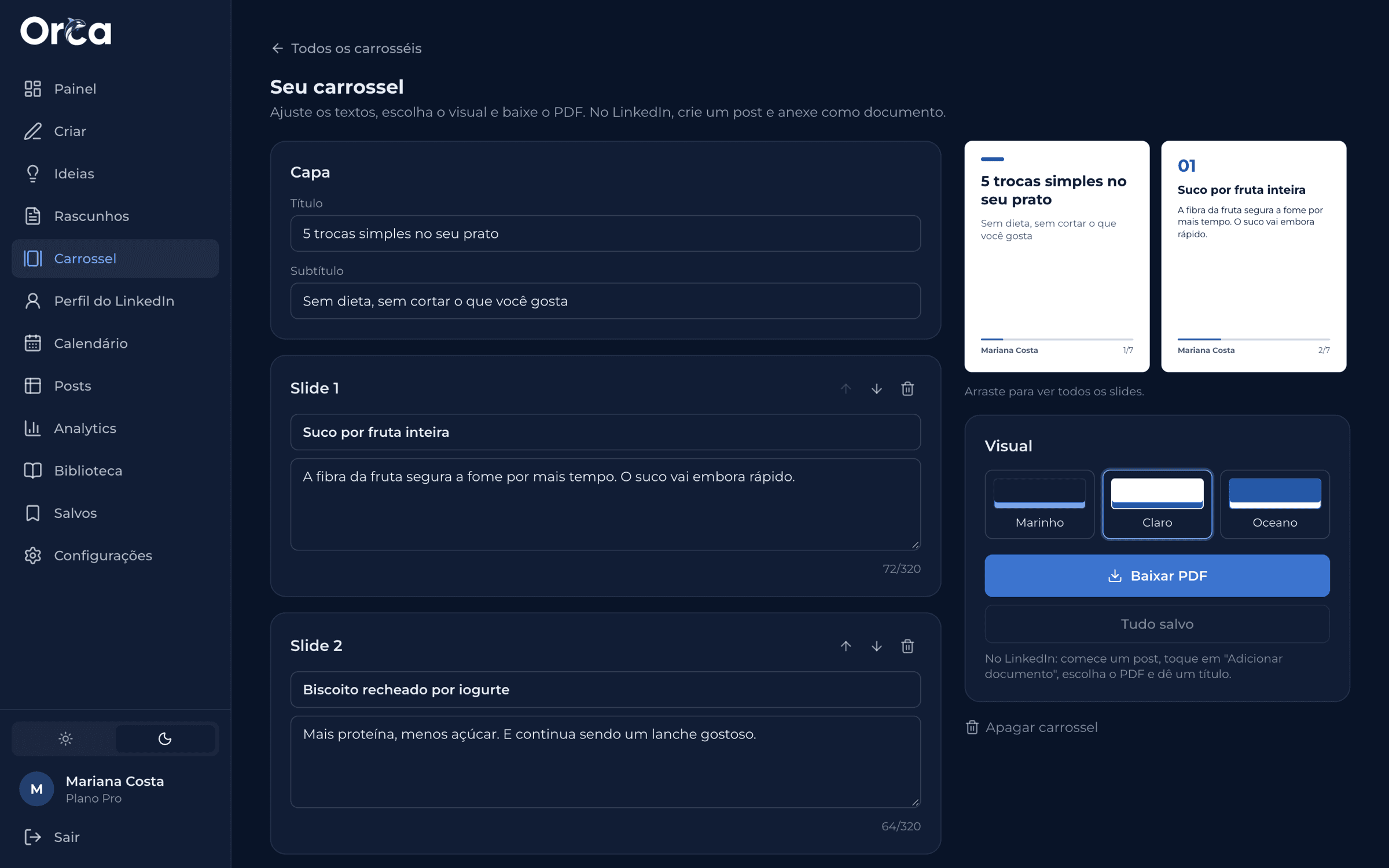
PDF carousels
Your post becomes slides in one click; download and attach it on LinkedIn.
Ideas for your field
Fresh suggestions every week, made for what you do.
Analytics
The numbers for every post and what's worth repeating.
Pricing
Start for free. Subscribe when you want the AI to write for you.
Free
R$0
forever
- Formatting (bold, italics, lists) and post preview
- 3 post templates to try
- 1 draft at a time
- A preview of the other screens
Pro
Everything unlockedR$29.90
per month, cancel anytime
- Ready-made posts for your profession, unlimited
- 5 posts written from scratch by the AI per month
- 2 AI edits on each post
- Unlimited ready-made ideas and planned weeks
- Calendar, reminders and automatic posting to LinkedIn
- Stats for every post and the best times to post
- Autopilot and PDF carousels
Frequently asked questions
Does the AI publish anything without me seeing it?
Never. Every post goes through you: you can read it, change anything and only then approve it. On the Pro plan, if you want, ORCA publishes at the time you scheduled, but only what you approved.
Will the posts sound like a robot wrote them?
ORCA was built to avoid exactly that: it writes in the tone you choose and steers clear of the buzzwords that give away AI text. And you can adjust anything before publishing.
Do I need to keep the ORCA website open?
No. On your computer, install the ORCA Chrome extension: it puts all of ORCA inside LinkedIn. You write, use the AI, schedule and see your stats without opening another tab. On your phone, use the website and copy the text into the LinkedIn app.
How much can I use the AI?
On Pro, ready-made posts for your profession are unlimited. On top of that, the AI writes up to 5 posts a month from scratch on any topic you want, with 2 edits on each.
How do I pay? Can I cancel anytime?
By credit card, renewing automatically. Cancel anytime from your account: your plan stays active until the end of the period you've paid for and your posts stay saved.
Is it safe to connect my LinkedIn?
The connection uses LinkedIn's official sign-in and is only used to publish what you scheduled. ORCA never sees your password and you can disconnect anytime.